 English
  Deutsch
  Español
  Italiano
  Български
  简体中文
简体中文  Polski
  Nederlands
  Dansk
Dansk  Svenska
  Français
  Português
  Ελληνικά
  Català
  Română
  Suomi
Suomi  Čeština
  Magyar
guides
Accessibility Testing via MCP: What AI Agents Can Do Now
MCP lets AI assistants run real accessibility scans mid-workflow. QualiBooth already provides an MCP server — here's what that means in practice.
What MCP means for accessibility
The Model Context Protocol (MCP) is an open standard developed by Anthropic that lets AI assistants connect to external tools, APIs, and data sources in a standardized way. Instead of an AI being limited to its training data, MCP turns any tool you can describe into something an AI can use on demand — mid-conversation, mid-workflow, mid-code-review.
For accessibility testing, this shift is significant. Until recently, running an accessibility scan required leaving your editor, opening a browser extension, navigating to the right URL, waiting for results, and then manually interpreting them. MCP removes that friction entirely.
Why accessibility belongs in the AI workflow
Modern development is increasingly AI-assisted. Developers write code with AI help. Design reviews happen in AI-powered tools. Documentation gets drafted in AI chat interfaces. Deployment pipelines are monitored with AI.
Accessibility, meanwhile, has historically been bolted on at the end — an audit that happens after a site is built, when the cost of remediation is highest. MCP changes this by making it possible to embed accessibility testing at any point in the workflow, not just at the end.
When an AI assistant can call an accessibility scanner directly, it can:
- Surface violations while you are still writing the component
- Block a merge request if critical issues are found
- Include an accessibility summary in every design review
- Re-test after each deploy to catch regressions
This is not theoretical. It is what happens when you connect an AI coding assistant to an MCP-enabled accessibility tool.
How QualiBooth’s MCP server works
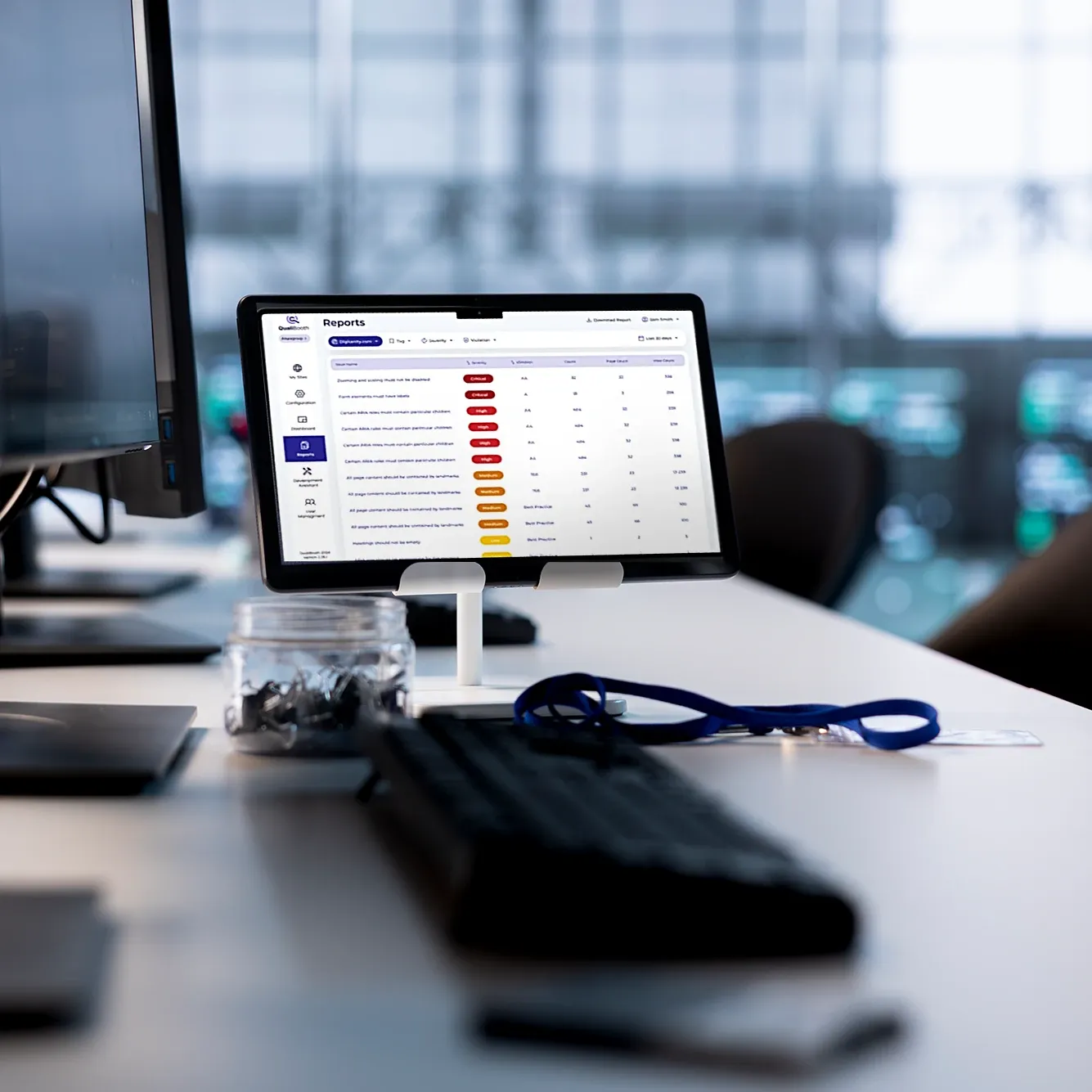
QualiBooth already provides an MCP server that AI assistants — including Claude — can connect to. Once connected, the AI can run real WCAG accessibility scans against any public URL, receive structured results, and surface actionable findings without the developer ever leaving their tool.
A typical interaction looks like this: a developer asks an AI assistant to review a newly deployed staging page for accessibility issues. The AI calls the QualiBooth MCP tool, passes the URL, and receives back a full violation report — impact levels, affected element counts, WCAG criteria references, and remediation guidance. The AI then presents the findings in context, tied to the code the developer is actively working on.
No browser extension. No separate tab. No manual copy-paste. The scan happens inside the workflow.
What the scan covers
The QualiBooth MCP server runs axe-core-powered checks against the live rendered page — the same engine that accessibility specialists use for professional audits. Results include:
- Overall accessibility score (0–100) and lawsuit risk level
- Violations by impact: critical, serious, moderate, minor
- Top fixes: the highest-priority issues to address first, with affected element counts and links to remediation guidance
- Full axe-core violation detail: for when you need to dig deeper
This means the AI has the same information an accessibility engineer would have — and can reason about it in the context of your codebase.
What this enables for teams
Teams that connect QualiBooth to their AI tools gain practical capabilities that were previously awkward to implement.
Continuous accessibility monitoring. An AI agent running on a schedule can check every page of your site after each deploy and report regressions before users encounter them.
Accessibility-aware code review. When an AI assistant reviews a pull request that includes UI changes, it can scan the preview URL and include accessibility findings alongside its code feedback.
On-demand auditing in CI/CD. An AI orchestrating a deployment pipeline can call QualiBooth mid-deploy, fail the release if critical violations are found, and pass the findings back to the developer.
Lower barrier for accessibility newcomers. Developers who are not accessibility specialists can ask the AI to explain what a violation means, why it matters for a specific user group, and how to fix it — with the scan results as context.
WCAG compliance in AI-assisted development
One risk of AI-assisted development is that AI tools reproduce accessibility patterns that look correct but fail WCAG. When an AI generates a modal, a dropdown, or a form, there is no guarantee the generated code meets WCAG 2.2 Level AA without external verification.
Connecting QualiBooth via MCP closes this loop. The AI generates code, the AI scans the result, the AI fixes what it finds. This tight feedback cycle — generate, test, remediate, all in the same session — is how AI assistance can genuinely improve rather than gradually erode a site’s accessibility baseline.
It also means that when accessibility issues do appear in production, the time from detection to fix can shrink from weeks (waiting for the next scheduled audit) to minutes (the AI finds it, explains it, and patches it in the same workflow).
Getting started
The QualiBooth MCP server is available now. If you are already using Claude or another MCP-compatible AI assistant, you can add the QualiBooth tool to your configuration and start running accessibility scans directly from your AI workflow.
For teams who want to go further — recurring scans, VPAT generation, manual expert reviews — QualiBooth’s full platform builds on the same accessibility engine. Everything the MCP tool surfaces can be escalated into a full audit engagement.
The question is not whether accessibility belongs in your AI workflow. It does, for the same reason it belongs everywhere else: the earlier you catch issues, the cheaper they are to fix. MCP is how you get there.
Try the QualiBooth MCP server